Cashier App for Small Shops and Food Stalls
I used to think bookkeeping didn't matter. More customers, but the money stayed flat. So I started recording everything in Qasir. That's when I spotted the leaks. Now I just check my phone every night.
How a coffee shop owner learned where the money went, with Qasir, a cashier app for Android phones and tablets.
After 7 days, continue with Pro or Pro Plus.


Before Qasir
Always busy. So why wasn't the money growing?
I opened a small coffee shop near a campus, with two baristas. I never wrote anything down.
Bookkeeping didn't seem that important. I guessed my monthly income from the cash in the drawer at closing.
Then I saw that the business wasn't growing. More and more customers, yet the money in my hands stayed the same.

Record every sale
I found the answer with the Qasir app
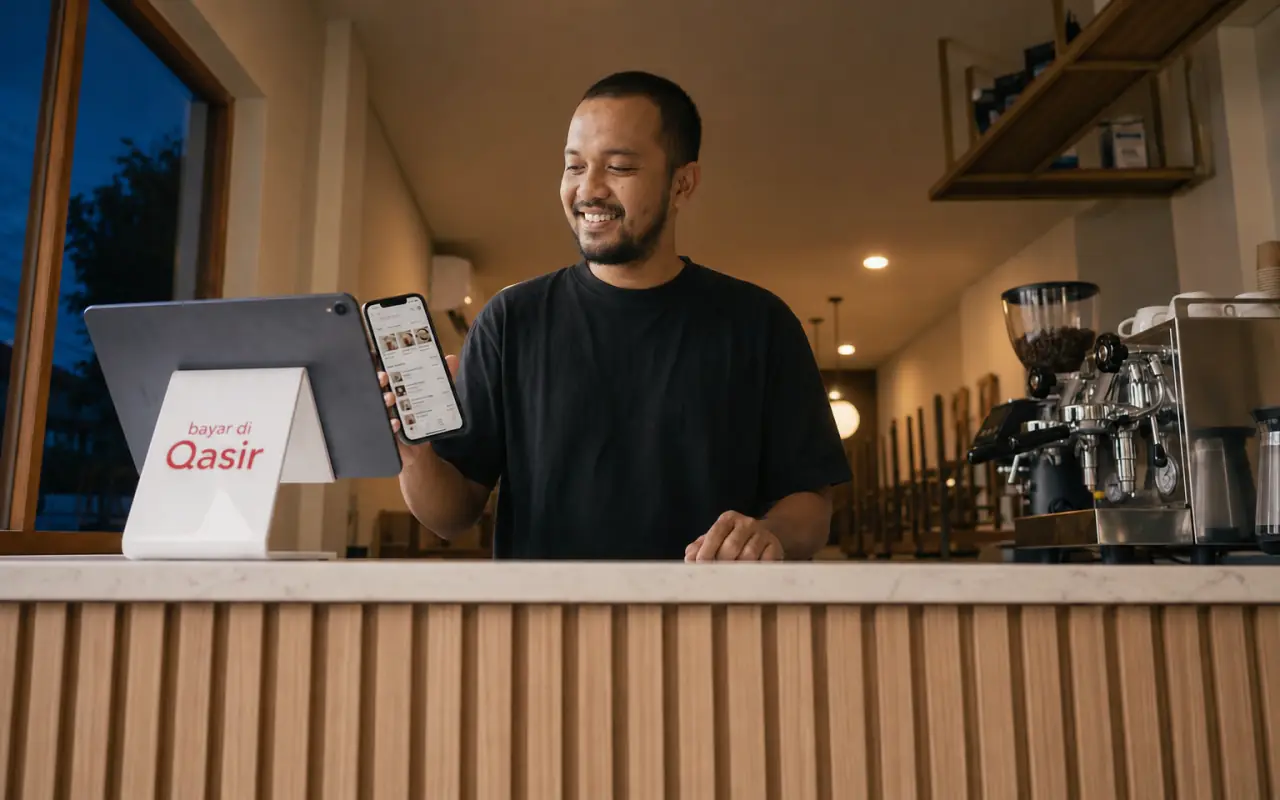
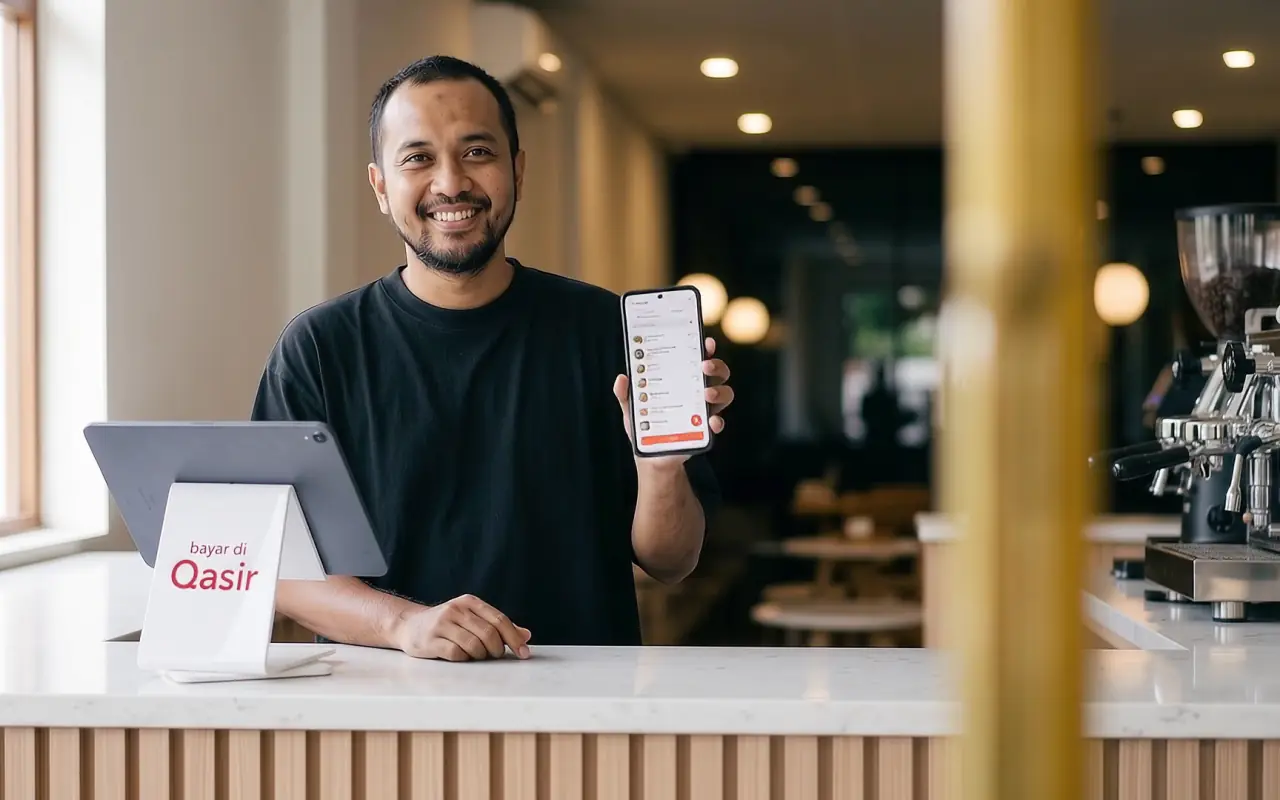
That same week I installed Qasir on an Android tablet at the counter. Every order was recorded, no more writing by hand.
I also entered the cost price of each menu item, and wrote down every bit of cash that left the drawer.

Checkout and Transaction History (Riwayat Transaksi)
Automatic records for owners who go by guesswork
Pick the menu item, tap, done. Enter your cost price once, and the gap between selling price and cost shows every night.
The Qasir app is available for Android phones and tablets.
You can keep recording when the signal drops. Receipts can be printed or sent on WhatsApp.
Cash & expense records
The money was leaking through small things
After a month of writing down all the cash going out, the pattern showed. Here's what I had been missing.
-
Monthly fees had gone up
Regular costs like cleaning and security fees crept up. I never noticed, because I never wrote them down.
-
Surprise costs kept popping up
There was always some unexpected cost. Added up over a month, it was a lot.
-
Last-minute shopping
I often bought ice, cups and straws on the spot. Now I know what it all adds up to.
In Qasir
Cash Summary › Cash Out and Expenses (Rekap Kas › Kas Keluar, Pengeluaran)
Record every bit of cash leaving the drawer in Cash Out, last-minute shopping included, with a short note.
It all adds up under Expenses, so you see the total every day.
Cash In Cash OutCleaning fee Rp15,000Unexpected cost Rp20,000Shop supplies Rp68,000Today's expenses Rp103,000 -
The fridge count didn't match the app
The biggest surprise: bottled milk coffee left without a receipt. Now I can check whenever the count is off.
In Qasir
Stock Adjustment and Stock History (Penyesuaian Stok, Riwayat Stok)
Each sale lowers stock automatically. Compare it with the fridge, then check Stock History for who changed it and when.
Each shift's cash difference also shows when the register closes.
Stock HistoryBottled milk coffee TodaySale −12Adjustment −3Cash Summary: evening shift difference −Rp45,000
Daily reports
Now I know where the money goes
A few months later, every night at closing, I check sales, costs and cash out on my phone.
No more counting it all again.
Home summary and email report
A daily summary for owners who recount the cash every night
Today's sales, profit and expenses are on one screen. The report also goes to your email.
Profit is worked out from the cost prices you enter, before expenses. Both are shown side by side.
Manage multiple outlets
A second branch, without being there every day
The business kept growing. The next year I opened a branch near the offices, without having to be at both places every day.
Each branch has its own reports in Qasir. If something doesn't add up, the reports show it quickly.

| Outlet | Sales | Transactions | Change |
|---|---|---|---|
| Main Shop | Rp14,200,000 | 342 | +6% |
| Kuningan Branch | Rp8,600,000 | 214 | −18% |
Outlet management (Kelola Outlet)
Per-outlet reports for owners who can't be at every branch
Pick one outlet or All Outlets, then compare with last week. Open it on the web from your phone or laptop.
Staff, products and stock can be set per outlet.
Sales patterns
Months of records, and the pattern shows
After a few months, I knew my busiest days and best-selling drinks.
Now I get stock and promos ready earlier.
I used to think bookkeeping didn't really matter. Now my records help me plan what comes next.
Wawasan card on Qasir web
Sales patterns for a business that wants to sell more
The Wawasan card shows your average daily sales, busiest day and busiest hours.
This story is an illustration of how Qasir works. Results differ for every business.
Qasir is a huge help! For those of us who are actively scaling our business, it makes everything so much easier. From recording sales and checking stock to viewing daily reports—it’s all just a click away. No complications, no headaches!

Read one more story
Qasir could change the civilization of Indonesian people in trading

Clear prices, no surprises
Try it for 7 days first. If it fits, pick the plan that suits your business.
Try free for 7 days
Try every Pro Plus feature for 7 days. You can only do this once.
-
Pro
Tidy records for a business that is getting busy.
$50 / 12 months
about $0.14 a day
- Unlimited products and staff
- Daily report sent to your email
- Stock History: when stock changed and who changed it
- Control staff access and attendance
- Add outlets, for an extra fee
-
Most complete
Pro Plus
Everything in Pro, plus what busy cafes and shops need.
$84 / 12 months
about $0.23 a day
- Everything in Pro
- Kitchen tickets, table management, and queue numbers
- Discounts, wholesale prices, and your logo on receipts
- Keep customer records
After 7 days, pick Pro or Pro Plus to continue. If you have not picked a plan, only the owner can sign in, with limited access. Staff cannot sign in.
Other costs and tax
Extra costs
-
Extra outlets: there is an extra fee per outlet.
Prices do not include tax. Prices last reviewed 11 October 2026
Get started in three steps
It all happens on your Android phone or tablet. No need to buy equipment first.
-
Install from Google Play
Search for Qasir on Google Play and install it on your Android phone or tablet.
-
Sign up with your phone number
Sign up in the app with an active phone number and your email. Your 7-day free trial starts running.
-
Add your items and start selling
Enter item names, selling prices and cost prices, then record your first sale.
What you need
- An Android 8 (or newer) phone or tablet with 3 GB of RAM
- An active phone number
- An email address
A receipt printer is optional. Even without one, you can send receipts on WhatsApp. See printer options

Scan with your Android phone
Point your phone camera at this code to install Qasir from Google Play.
Cannot scan? Open in Google PlayStill unsure? Here are the answers
What happens to my sales when the signal drops?
You can still record sales when the signal drops. Your data is sent automatically once you are back online. Please do not delete the app before all your data has been sent.
Can I use it on an iPhone or a laptop?
Right now Qasir is only for Android phones and tablets. There is no iPhone version yet. On a laptop you can open Qasir on the web to follow your reports, but selling still happens in the Android app.
What happens after the 7-day free trial?
You pick Pro or Pro Plus to continue. If you have not picked a plan, only the owner can sign in, with limited access. Staff cannot sign in. The 7-day free trial can only be used once.
How do I pay? Is there a monthly plan?
Subscriptions are paid in the app through Google Play. For other billing periods or a monthly plan, email us.
Can I add an outlet when I open a branch?
Yes. Each extra outlet has a fee, so email us for the amount. Staff, products and stock can be set per outlet.
Can I check my shop or branch from home?
Yes. Open Qasir on the web from your phone or laptop, then pick the outlet you want to see. You need internet and an active plan.
Other questions
Can I choose what my staff can open?
Yes. You decide which menus staff can open, such as reports or stock changes. Qasir also works on many phones at once.
Does it connect to GoFood or GrabFood?
Not yet. Right now orders from GoFood or GrabFood do not come into Qasir automatically.
Is my data safe?
You sign in with your phone number and PIN, and you decide which staff can see your business data. How we store and protect data is explained in our privacy policy.
Start recording today
Install Qasir from Google Play and try it free for 7 days. Not sure yet? Email us first.
After 7 days, continue with Pro or Pro Plus.